What Do I Know That You Don’t?
(or: why it’s important to see from the player’s perspective)
Published Mar 2nd
Author Rachel Humphrey
Puzzle games, I’ve come to find out, exist on a frustrating pendulum: they run the risk of being either too difficult or confusing, or too easy and boring – either way, not fun to play. As such, for Screwed to be successful we’ll need to find the balance on this pendulum. Over the last few months, I’ve conducted playtests and research to deliver a better player experience and attempt to discover this balance.
The first time this came up was somewhere in week four. Our group had spent most of our early development brainstorming puzzle mechanics, which while useful, still often left us without a clear direction in mind. Simultaneously, I’d enrolled in a User Experience class at the University and had been learning just how much user feedback and what they do or don’t know about a product influenced the total experience. As you can imagine, this process weighed on my mind the more we discussed our developing puzzles.
I came to the realization that while we knew what we wanted the environment to look like and the screw to do (both functionally, but also within our individual puzzles), we hadn’t checked if the audience would understand that or think the way that we do. So, I took our current mechanics and level design inspiration out into the world and sat down with people of various ages to get some feedback.
And our mechanics broke down like this:
The screw could screw into anything.
When the screw heated up, it got bigger and could screw into larger holes.
We were entertaining electricity-based puzzles with the idea that the screw would conduct electric currents.


Figure 1 Interior Kitchen Concept Art by Phil Stoltz collected from Pinterest
Our Charts
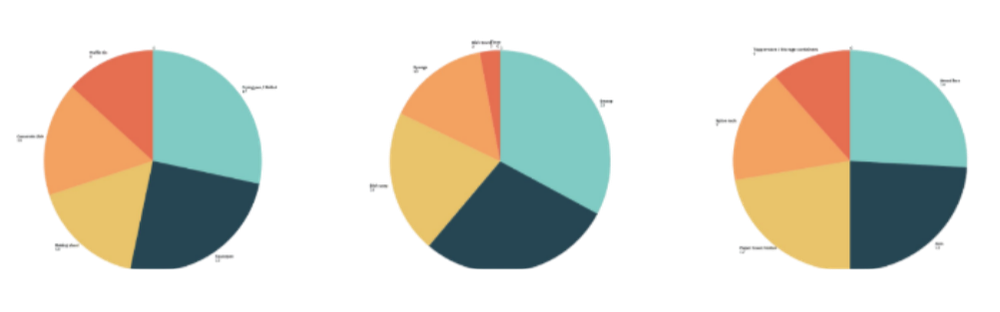
Figure 2 Most Desired Object Interaction Pie Charts
I first asked them some questions about our world: if they liked the colors and what objects they might gravitate to and why. Then I asked them about our mechanics, both how they would envision them working in the game and what they thought happened to a screw when it interacted with the real-world objects we were planning for it to interact with to get a baseline of how people might react to our game.
Most people reacted well to the environment, with most comments reflecting these core ideas:
Objects looked interactable when they were isolated.
People gravitated to objects on the counter rather than ones that were hanging or out of reach.
Users liked the contrast between the items and the environment.
The mechanics results; however, were… not—fantastic. To summarize, we got these comments:
If the concept is that the screw could screw into anything, why would there be holes you can’t screw into?
Wouldn’t the screw melt when heated up?
People generally felt that plastic and wood could be screwed into, but nothing else.

More than anything, I realized that the game was potentially too difficult. The concept of the game is unique, so that already takes a bit of time to understand, and giving the player many different mechanics at once would likely be too overwhelming. Not to mention out of scope for the time we had to create the game.
We had a discussion as a group with these findings in mind and simplified the game back down to the original mechanics: the screw screws into an object and controls that object to solve puzzles, except this time it could only screw into wooden and plastic things as people wanted.
These findings and simplified mechanics were far easier to use as a basis to create puzzles. So, I created a low-fi prototype (almost Dungeons and Dragons in nature) to dip my toes into puzzle making. This was a new experience for me personally, as I’d never DM’d someone through a playing experience, but it gave me some new information.
First and foremost, we didn’t have enough objects to play with. As you can see in Figure 1, there were only a few objects the screw could interact with (namely the rolling pin, seasoning bottles, and the orange). As such, the players had fewer potential solutions and were not as intrigued.
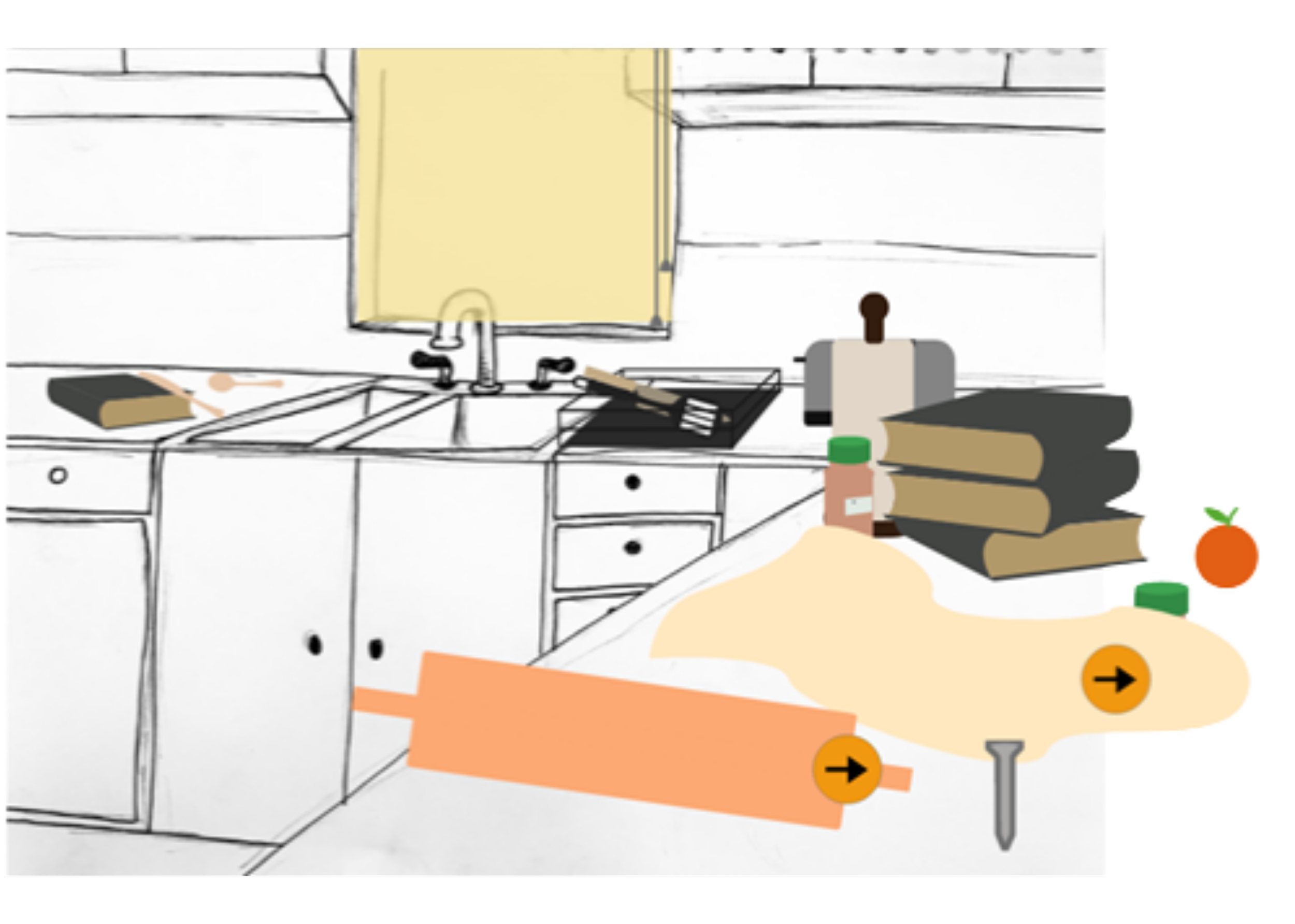
Figure 3 Screwed Adobe XD Interactive Prototype
More than anything, I realized that the game was potentially too difficult. The concept of the game is unique, so that already takes a bit of time to understand, and giving the player many different mechanics at once would likely be too overwhelming. Not to mention out of scope for the time we had to create the game.
We had a discussion as a group with these findings in mind and simplified the game back down to the original mechanics: the screw screws into an object and controls that object to solve puzzles, except this time it could only screw into wooden and plastic things as people wanted.
These findings and simplified mechanics were far easier to use as a basis to create puzzles. So, I created a low-fi prototype (almost Dungeons and Dragons in nature) to dip my toes into puzzle making. This was a new experience for me personally, as I’d never DM’d someone through a playing experience, but it gave me some new information.
First and foremost, we didn’t have enough objects to play with. As you can see in Figure 1, there were only a few objects the screw could interact with (namely the rolling pin, seasoning bottles, and the orange). As such, the players had fewer potential solutions and were not as intrigued.

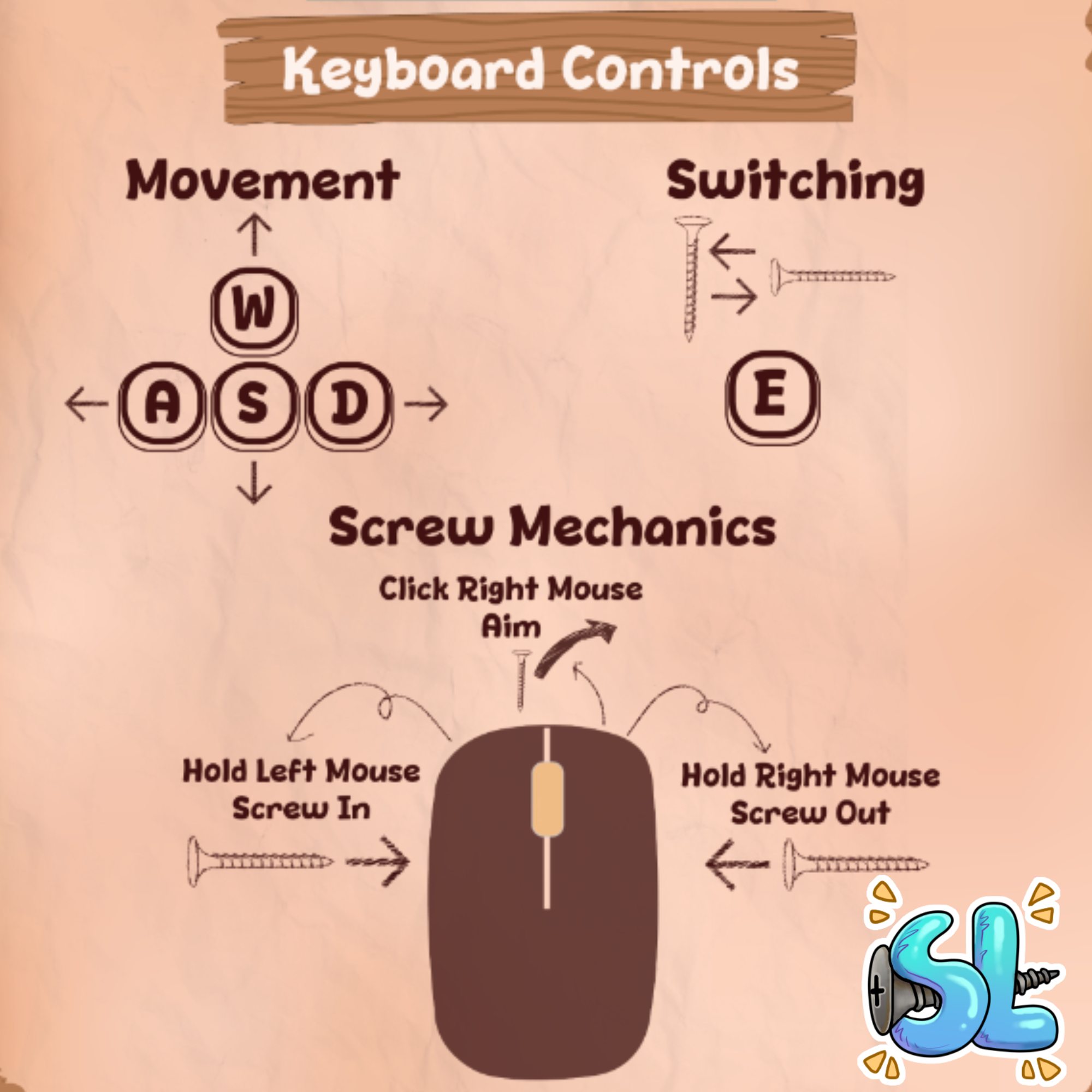
These screens were difficult to make at first because of the sheer amount of information that needed to be communicated to the player. The art team had discussed using sticky notes and sketches as puzzle solving hints earlier in the semester, and while that wasn’t in our Fall Demo build, I riffed off the idea and used drawings to communicate the actions attached to the controls.
This process seemed to work better than just walls of text, and as I observed at the Fall Stout Game Expo, the control sheets and intro control screen slideshow helped the players understand our controls over time.
However, as predicted, the controls were still difficult to understand and not intuitive. As such, our team walked out of fall semester and into spring semester with a new goal: fine tune our controls. I’m personally excited to delve more into this research in the coming weeks, and from a User Interface perspective I will put time toward finding a way to communicate the controls from the control screen in an easily digestible way through our tutorial level and potential pop-ups or hints throughout the game.
Because while we as developers know every facet of the game, the players know nothing. If we want to create a fun game, it is vital that we bridge the gap between what we know and what they don’t.
Figure 4 Final Control Screens
Read More…