
What’s A Screw Without An Object?
Published May 4th
Author Will Wisniewski
Screwed is a game that needs objects. Some objects you can screw into and having to set all of those up correctly is not very artist friendly and would slog down the programmers programming everything else.
While we do have a Node that extends rigid body that handles like 50% of objects, those that are more complex that more work. The process of making an object, such as a wooden plane model we have, takes quite a bit of work without a tool I made for the team that makes Interactable Objects. It also has some features that make it far easier to use than without. Starting off, it is written as a Godot addon that integrates directly into the editor, and you can use it in the same you would make a new scene, hitting the little + by the scene tabs and hitting the big Make Interactable Object button but the Root Node options. This might seem odd, but after using the tool to make a new interactable object it will open the new object’s scene so it works in essentially the same way as the other options with a few more steps in between clicking the button and having a new scene open.
The first problem is multi-mesh objects. When objects have multiple separate meshes, such as a pizza box (base and lid) and the wooden plane (propeller, wheels, everything else), they are one solid object unless you make the scene an inherited scene which could lead to future problems... maybe. If you don’t make the inherited scene all of the meshes of the model are essentially fused together. The pizza box can’t fold, the plane propeller can’t spin, and so on. This isn’t a problem with an inherited scene, but who knows how Godot will handle model updates, so I prefer to not use them. But there’s a more substantial problem that the tool solves.

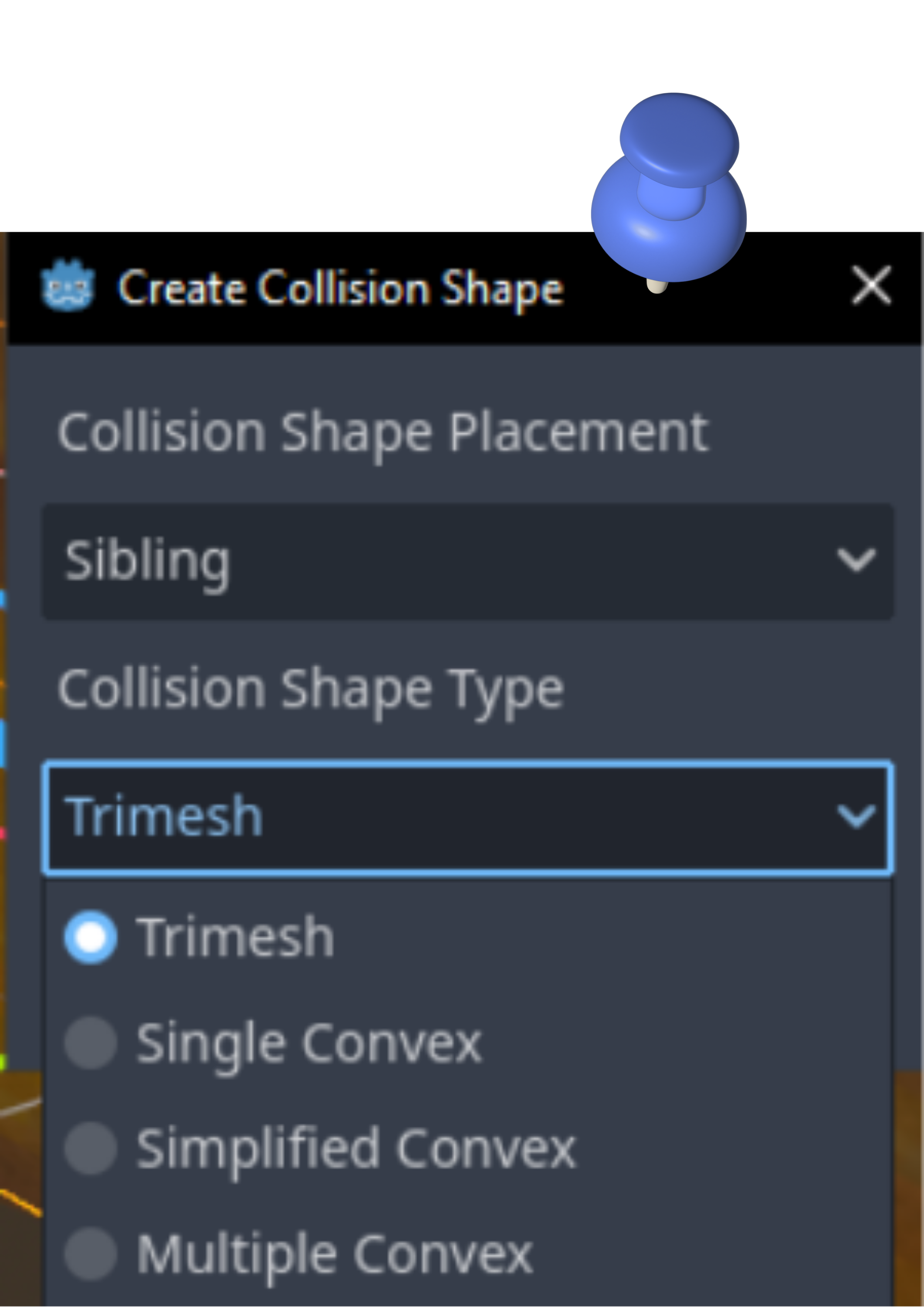
When you make a collision shape from a mesh in Godot, you cannot fine-tune any of the options. Trimesh is perfectly accurate to the mesh, but bad for rigid bodies. Single Convex is fine for some things, but if the mesh is concave, it won’t work. Simplified Convex is like the last one, but just more performant. Multiple Convex is the best for our use, but it will only ever make up to 32 convex collision shapes, and the maximum concavity is 0.001. Other settings for the collision shape generation are left to default, but you’ll never see them in the GUI. While collision shape generation exists in the Mesh class, MeshInstance is the one to expose it to GDScript, as well as the MeshConvexDecompositionSettings struct used to adjust the settings. All of this is something Godot won’t show, but my tool does! It lets team members, mainly artists, load up an object with a custom model picker, which exclusively shows .fbx files to enforce artistic guidelines (export .fbx to engine) and then make a collision shape for each mesh in the model, as well as make multiple rigid bodies which will be linked together to make one solid object on save. While multiple CollisionShape3D nodes under a single Rigid body will act as one, if an object needs one part to be interactable (such as the like of a mason jar) and another part not interactable as a normal rigid body (like the glass jar of the mason jar), that’ll be at minimum two rigid bodies that need to be linked together with a joint. That’s easy if there are two bodies, but if you need, say, five bodies, it scales up fast. The tool automatically does this.
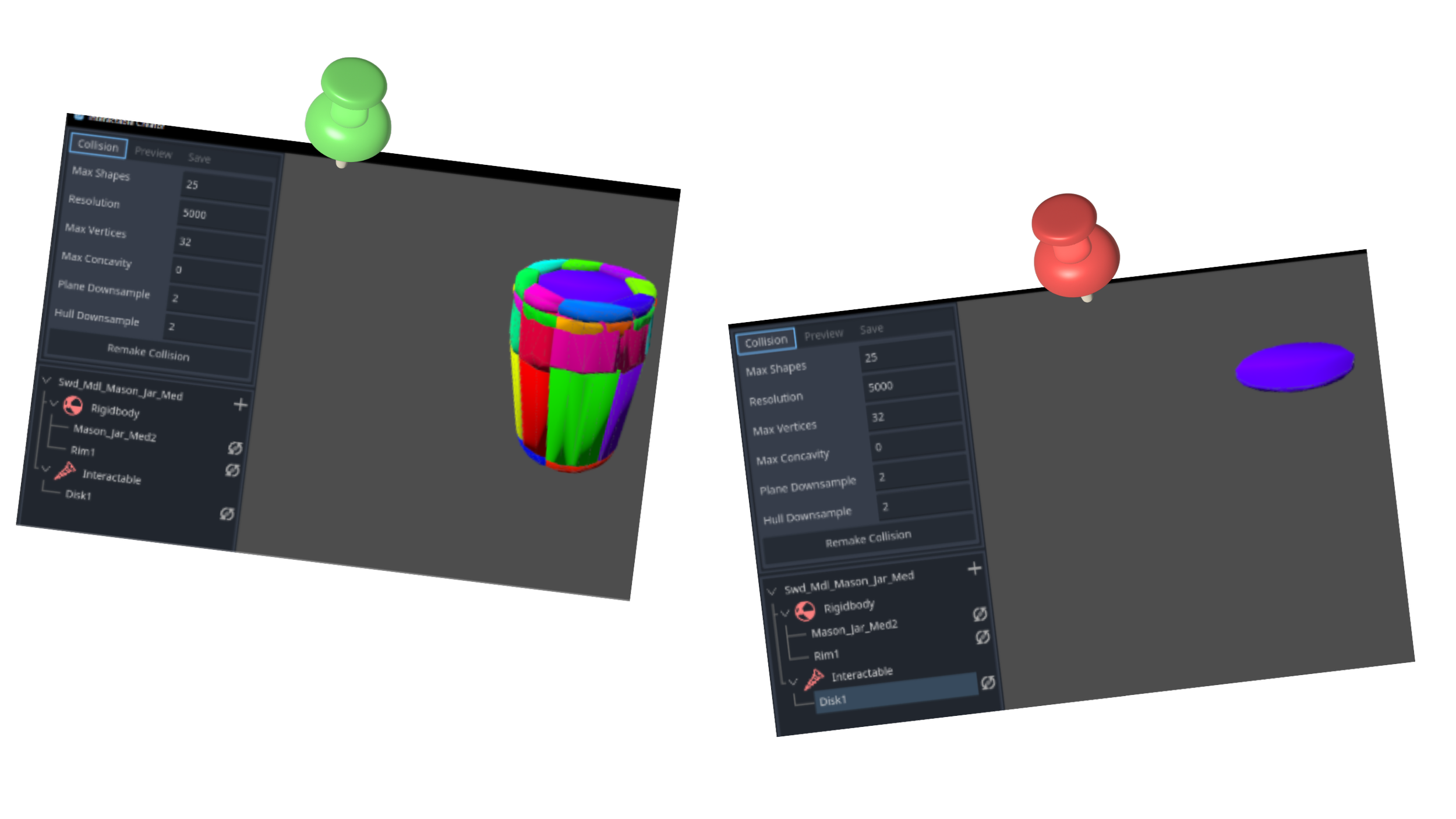
Other features of the tool include showing only the model or collision, making the collision visual transparent, renaming the model, rigid bodies, and meshes, showing only the hovered object (hovering over a rigid body will show all meshes + collisions it has, hovering over a mesh will only show that mesh + collision), and most importantly, being extremely quick and easy to use compared to doing all of the same things manually.
If this tool were to be released, all of the InteractableObject references would have to be stripped out, but the effort would be worth it to let other Godot users be able to take full advantage of the small and overlooked feature of multiple convex collision shape generation.
Read More…
